Our Fivetran integration lets you:
- Create and update contacts
- Trigger workflows when contacts are created or updated
userId or email.
Within the Fivetran app, go to Destinations and click + New Destination.
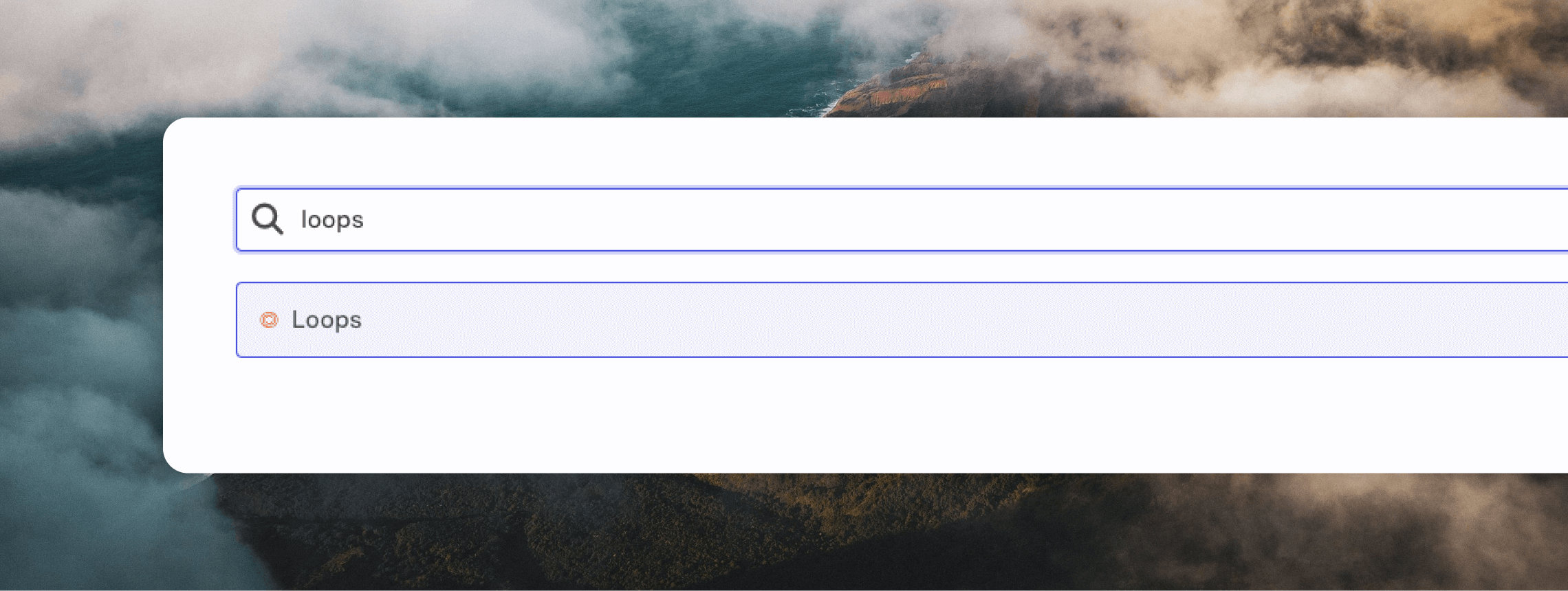
Select the Loops destination.
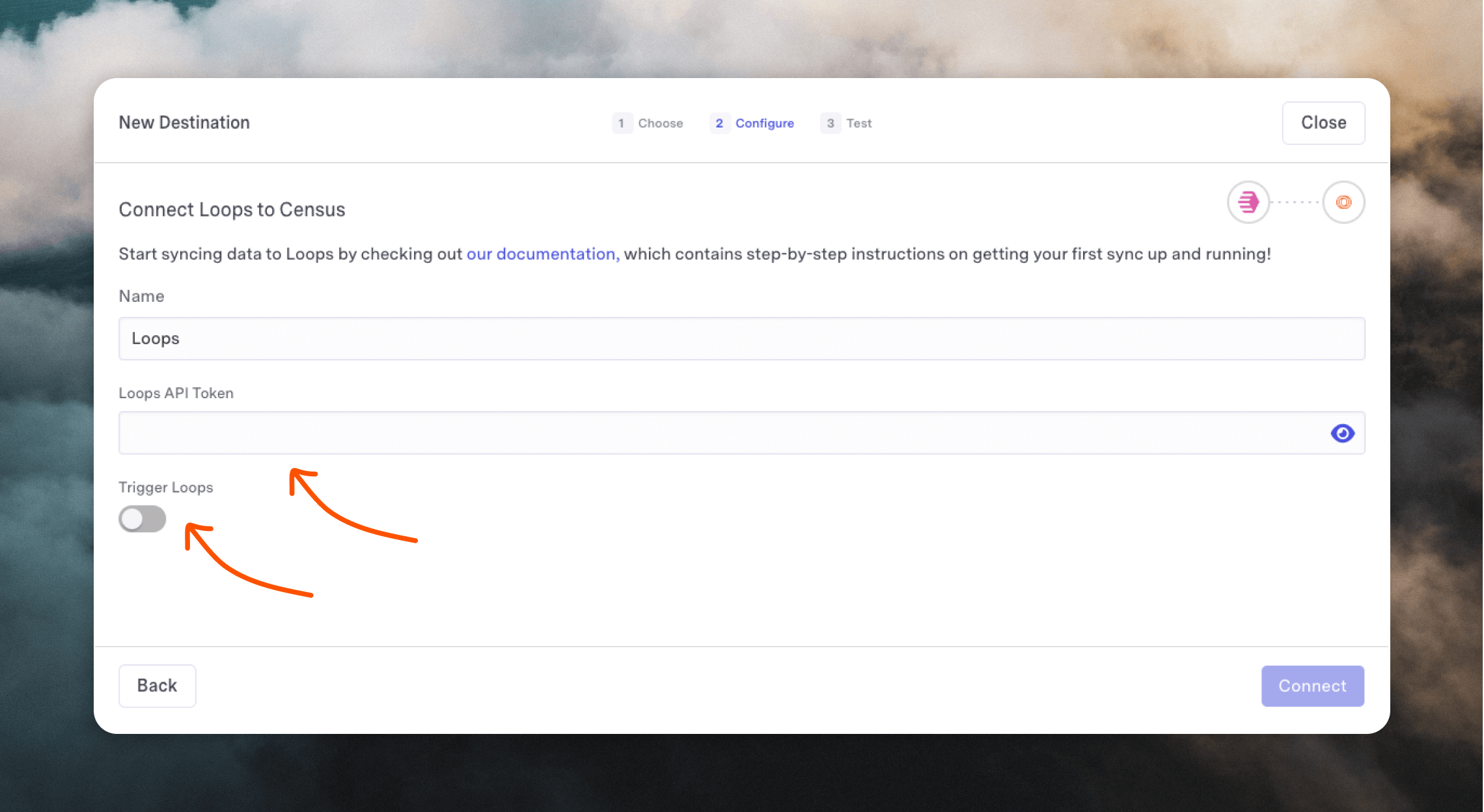
You will be prompted to enter your Loops API Token, which you can find on your API settings page, and to decide if you want to trigger workflows when contacts are created or updated.
Click Connect and test out your destination.
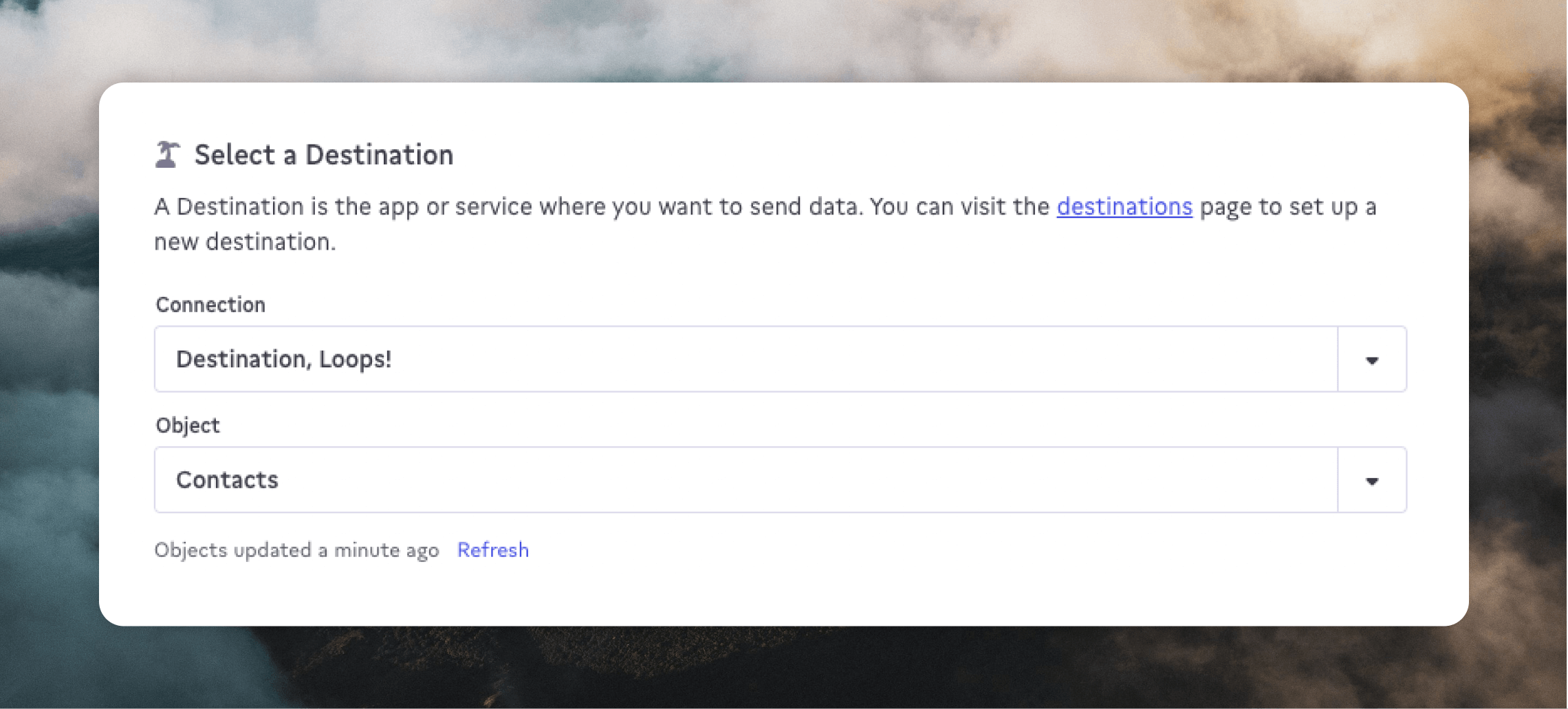
Loops will now be available as a destination in Fivetran.
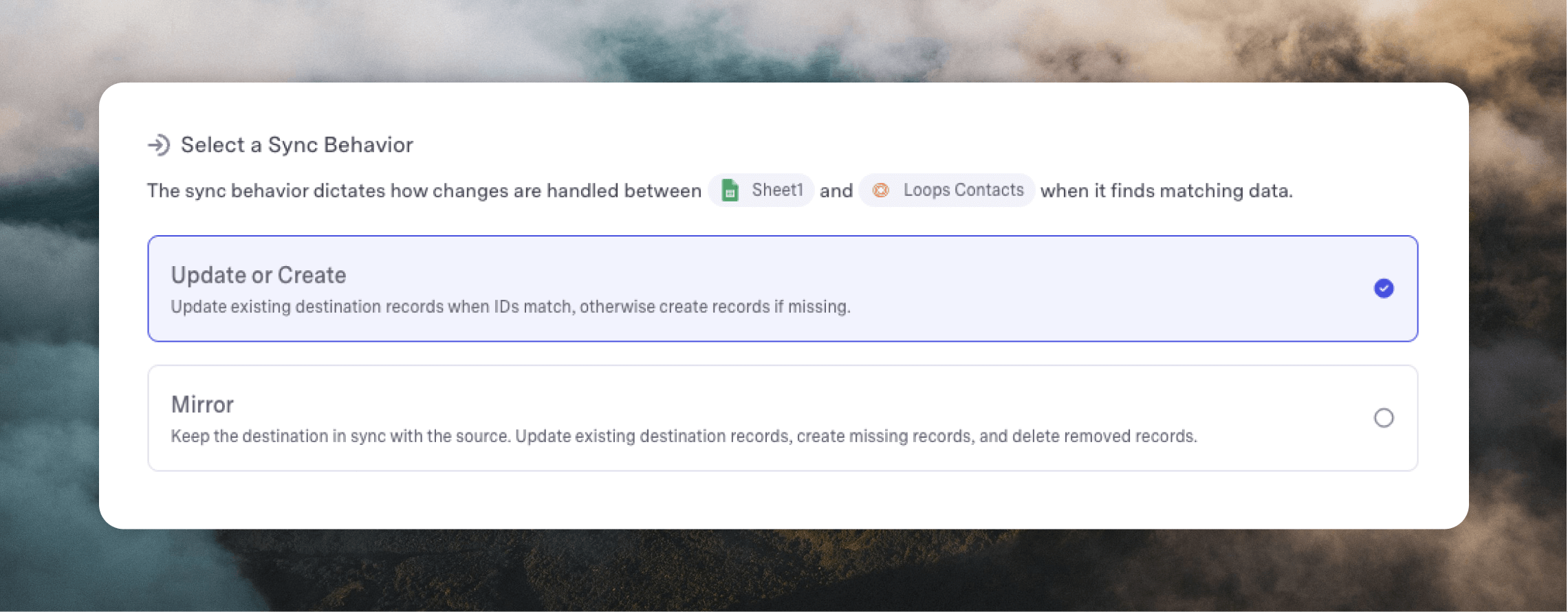
When choosing a sync behavior, you can choose either Update or Create or Mirror.