Workflow triggers
A workflow trigger is an event, contact update or contact addition that starts a workflow. For example, if you create a workflow that sends a welcome email to new contacts, the trigger would be when a new contact is added to your audience.Different types of workflow triggers
There are currently four types of triggers that you can use to start a workflow: Contact added, Contact updated, Contact added to list and Event received.Contact added
The Contact added trigger will start a workflow when a contact is added to your audience. This trigger is useful for sending welcome emails to new contacts or sending a series of onboarding emails to new customers. This trigger works for contacts added via an integration, a form, or an API call. Contacts uploaded via CSV or added individually to the audience table will not be included. As long as the contact is added to your audience with an automatic method the workflow will start. This trigger requires no additional setup. Once you create a workflow with this trigger, you can start adding contacts to your audience and contacts will enter the workflow.Contact updated
The Contact updated trigger will start a workflow when a contact is updated in your audience. This trigger is useful for sending emails to contacts based on their actions or behavior. For example, you can send a series of emails to contacts who change their subscription plan from free to paid or from paid to canceled. You can also set the trigger to only start the workflow when a specific field is updated from a specific value to another specific value. For example, you can send a series of emails to contacts who change their subscription plan from free to paid but exclude contacts who have updated their subscription plan from paid to canceled.Contact added to list
The Contact added to list trigger will start a workflow when a contact is added to a mailing list. It triggers every time a contact is added to a list (so if the contact is removed from a list and then re-added, it will trigger again).Event received
The Event received trigger will start a workflow when a contact receives a specific matching event sent via API, Integrations or a form. This trigger is great for events like payment received, order placed, or a new message received. You can fire events with the Events API or an integration.Trigger frequency
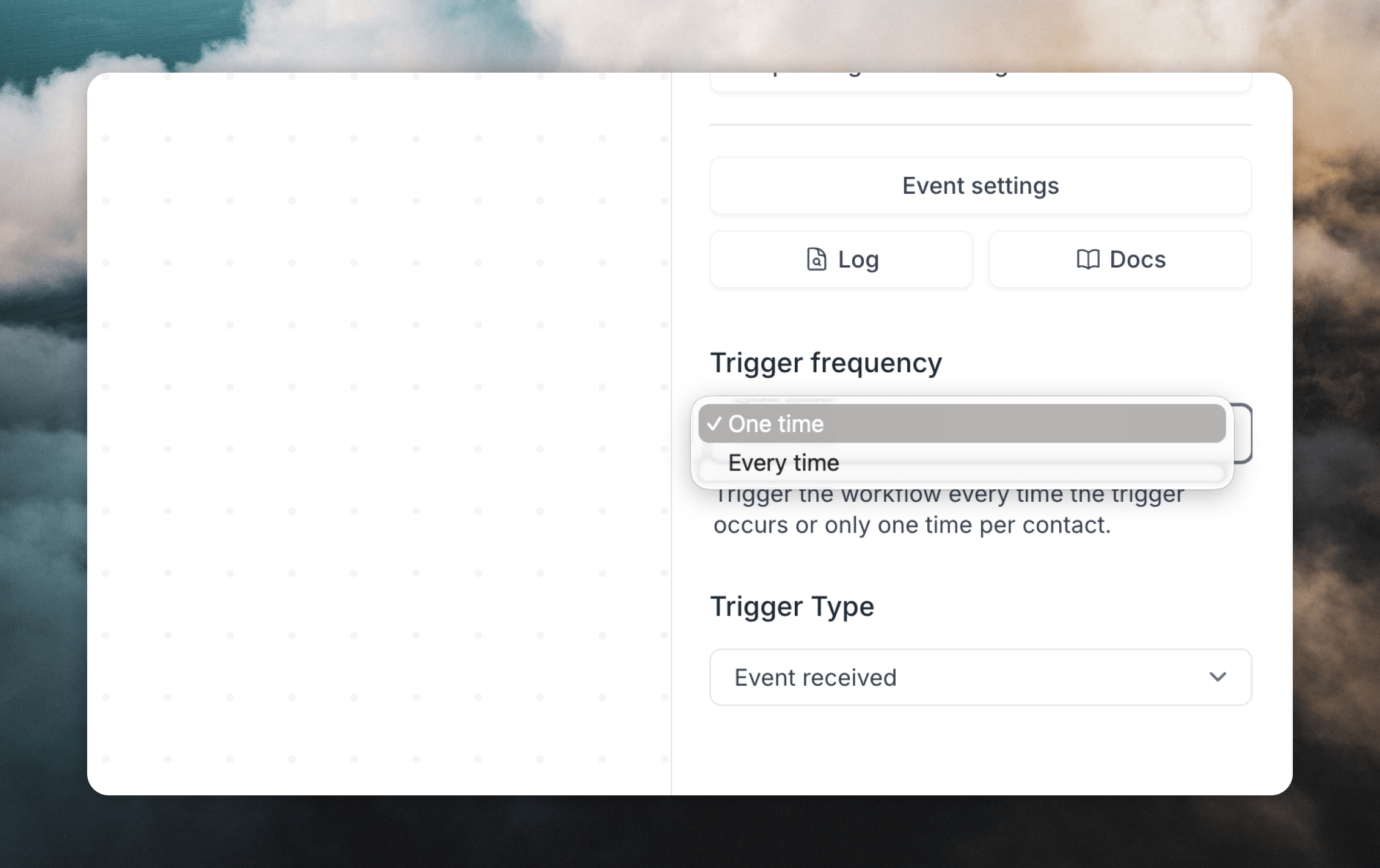
You can choose to trigger a workflow just the first time a contact matches the trigger settings or every time the contact matches.