Export your audience
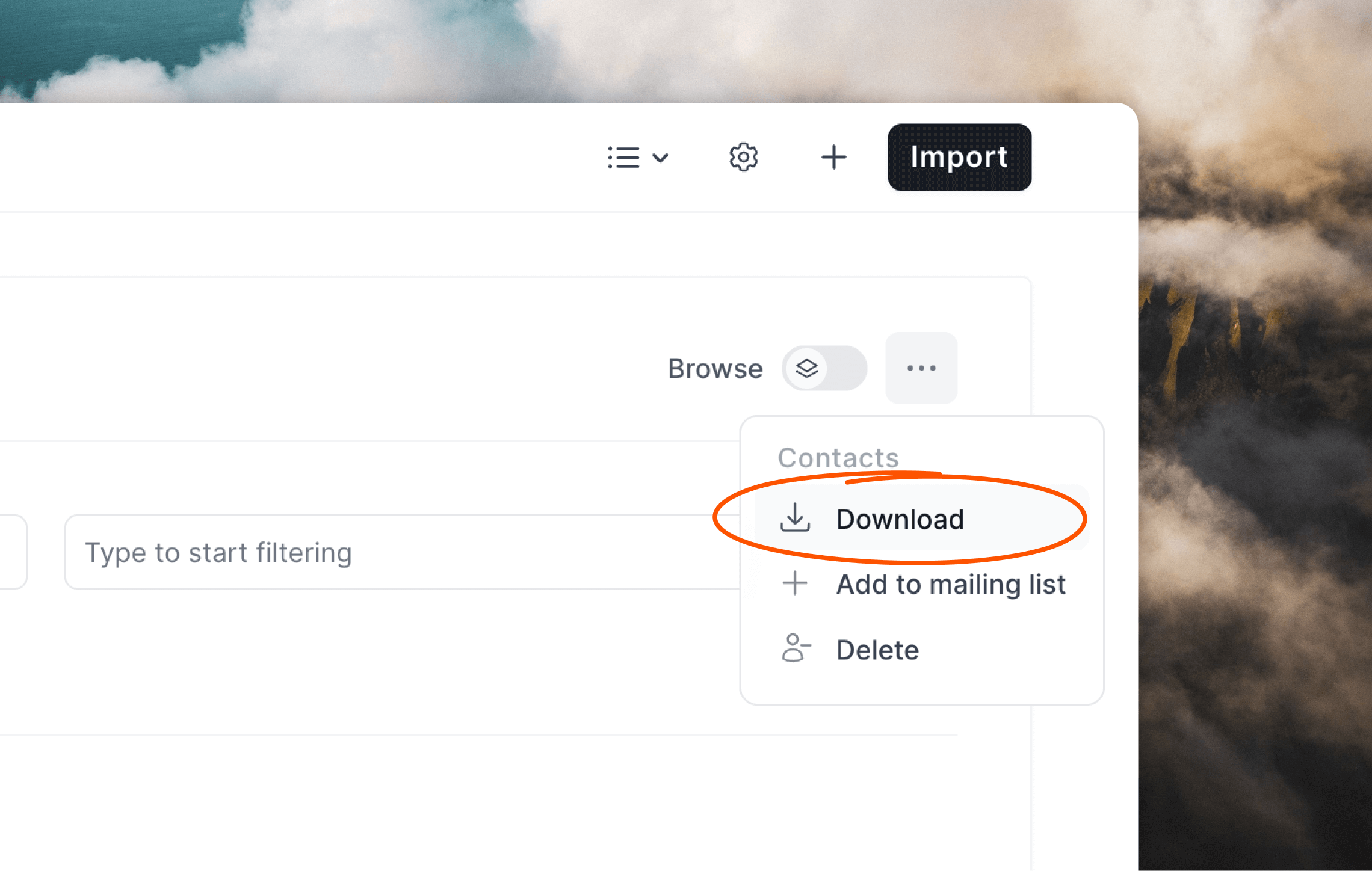
To download a CSV of your audience, click the••• menu icon in the top right of the filter box and select Download.
Using filters and segments
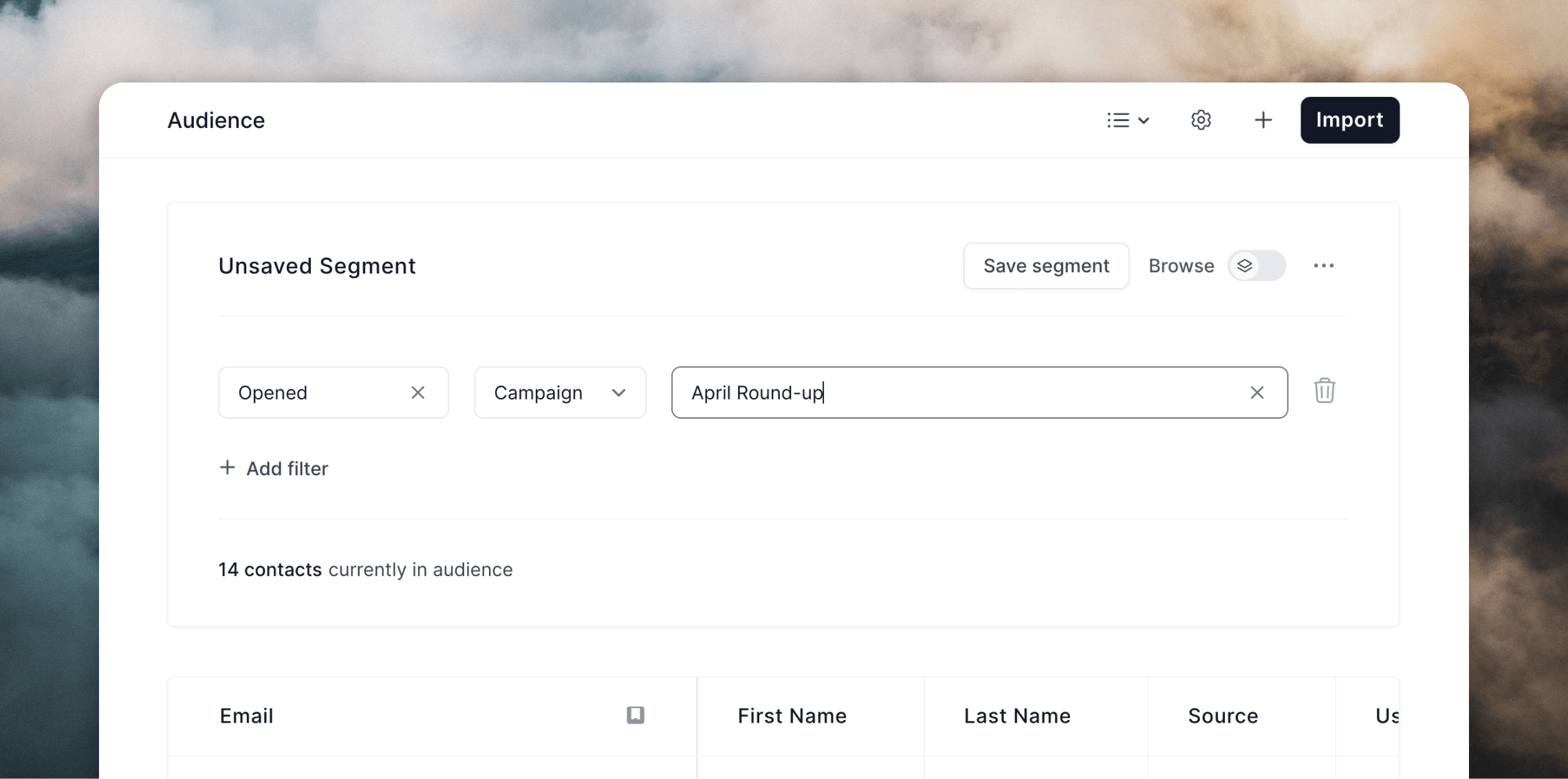
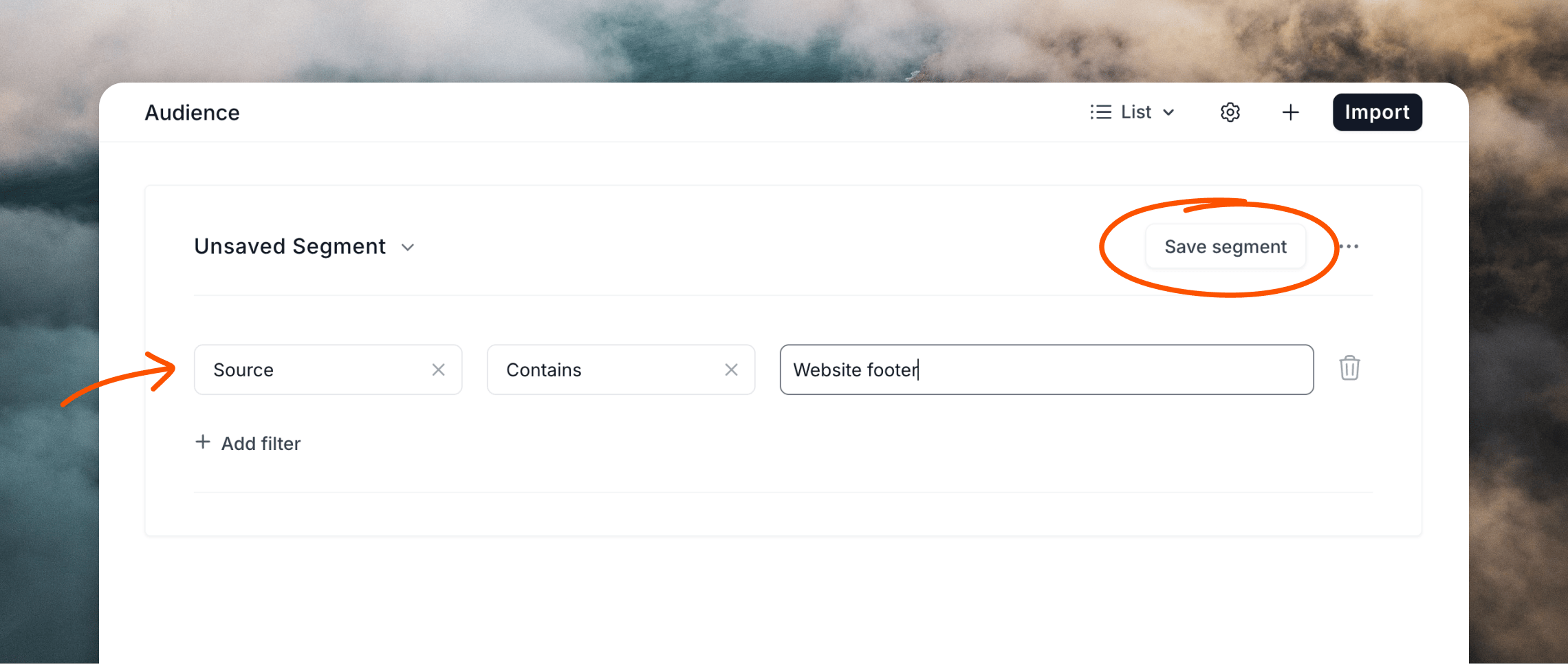
If you want to only export a particular list of contacts or subset of your audience, you can use filters and segments. Some example exports you can create:- contacts who have opened a specific campaign
- contacts who were not sent one of your campaigns
- contacts who have clicked a link in one of your workflow emails
- contacts who subscribed after a certain date
- contacts who have a certain domain name in their email address