

Web font support
Custom font support via Google Fonts is now available in Loops. You can use any font from Google Fonts in your emails. To use a custom font, create or enable a Theme, then click Edit. You will then be able to apply a custom font in the Text styles.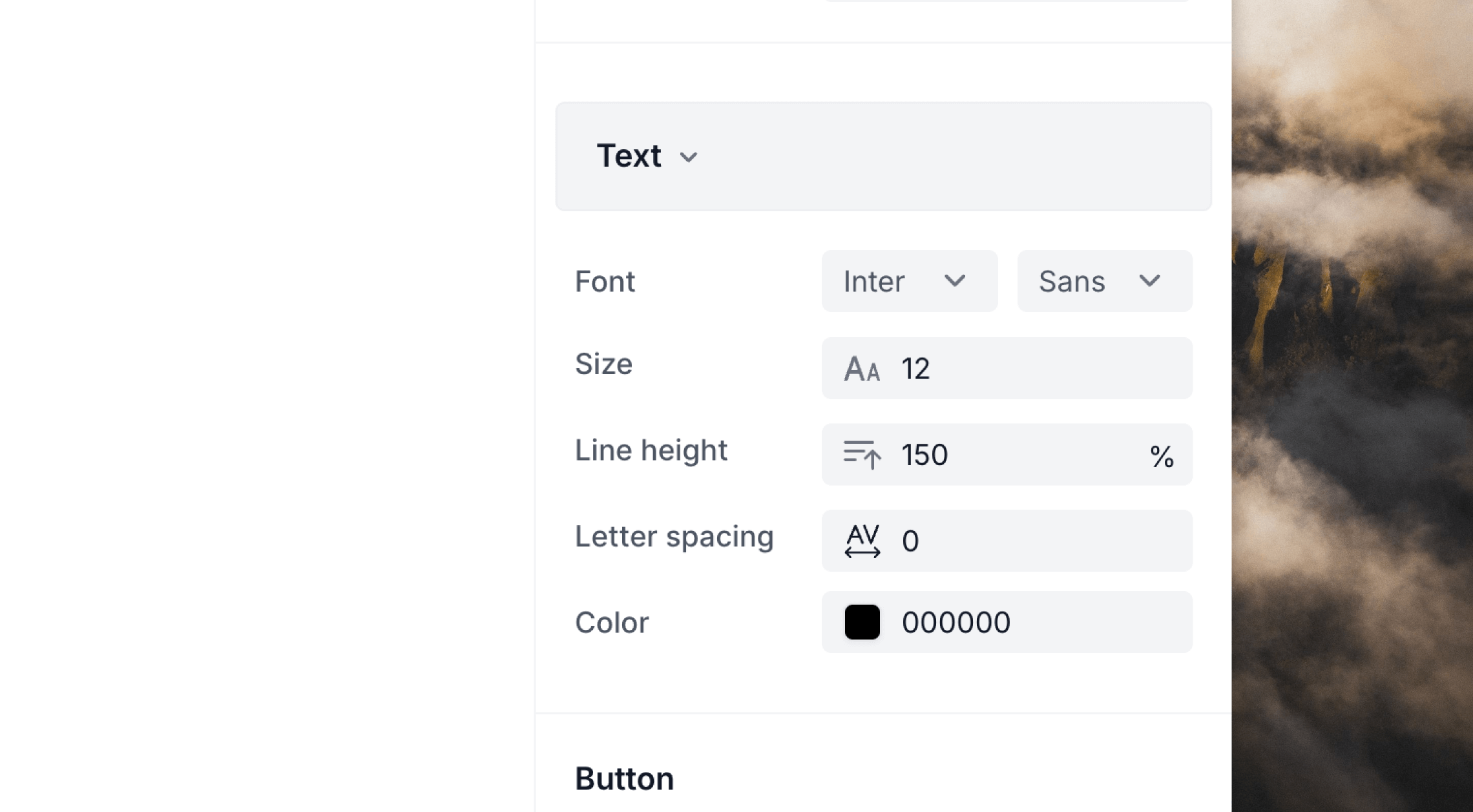
Font fallback chain
When a custom font isn’t supported by an email client, Loops uses a fallback chain to ensure your emails still look great. The fallback chain follows this pattern:[selected font], [ui fallback by category], [generic category]
General list of email-safe fonts
The following fonts are supported by all modern email clients. They’re considered “email safe” fonts because they’re available on most devices and email clients.- Arial
- Courier New
- Georgia
- Lucida Sans Unicode
- Tahoma
- Times New Roman
- Trebuchet MS
- Verdana