

Unlike older SMTP services, Loops requires the body of emails sent via SMTP to
be formatted as an API-like payload. This approach
allows you to use Loops’ powerful email editor to
craft your emails and keep email templating outside of your application code.
1
Create emails in Loops
Create transactional emails in Loops using the editor.Add data variables to your emails for any dynamic content you want to send from your Rails application.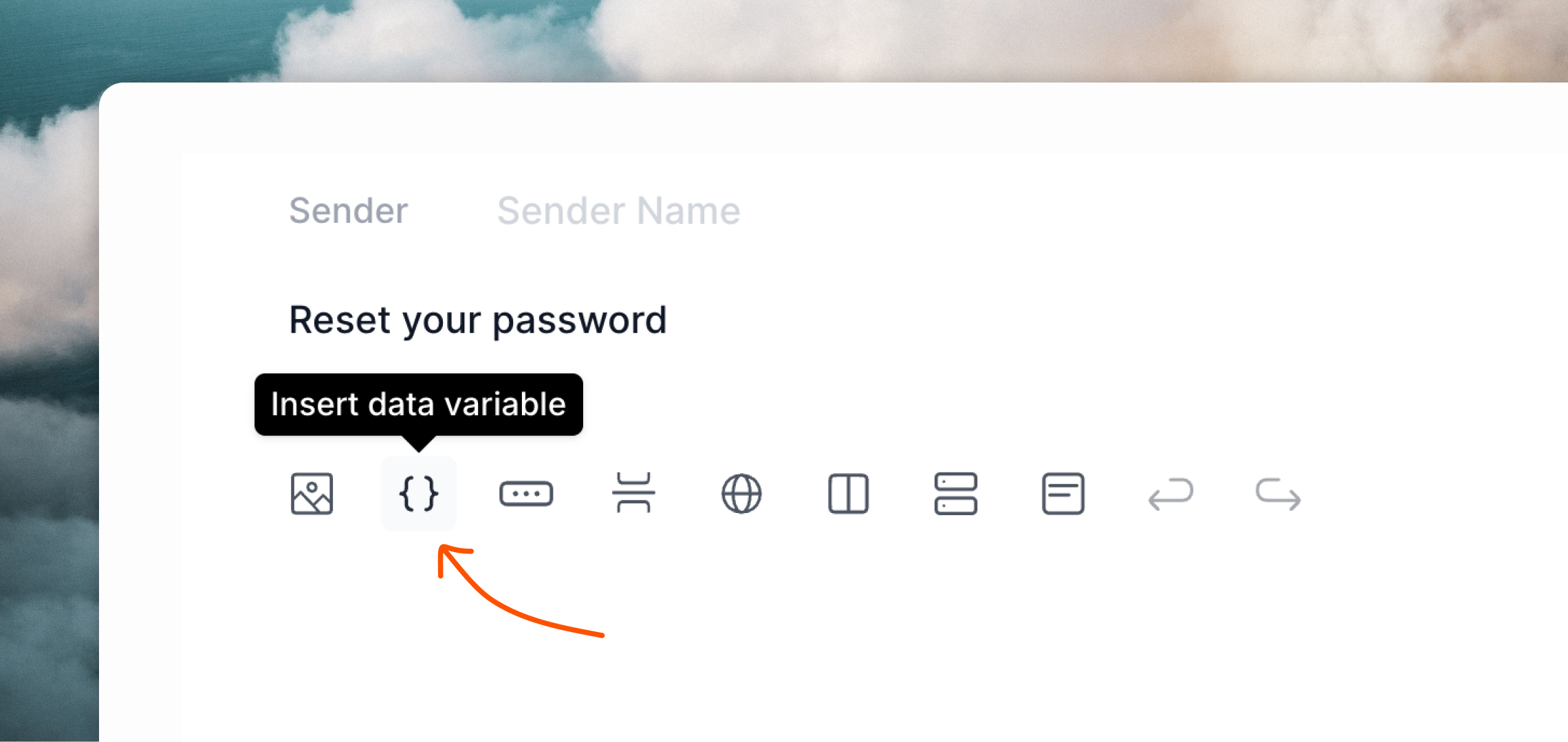
2
Configure Action Mailer
To use Loops SMTP, configure Action Mailer using the following settings.
config/environments/production.rb
3
Send emails from Rails
Now you can send emails from your application.Here’s an example Mailer:Loops’ SMTP system doesn’t send full HTML emails directly. Instead, you should provide a structured API-like payload, which Loops will then use to render an HTML email.Create a text view for your email, like below.You can copy an example payload from the Publish page of your transactional email in Loops.
app/mailers/user_mailer.rb
app/views/user_mailer/login_email.text.erb
Send transactional email
Read how to send transactional email with our API.
Transactional email guide
Learn how to send transactional email with Loops.